

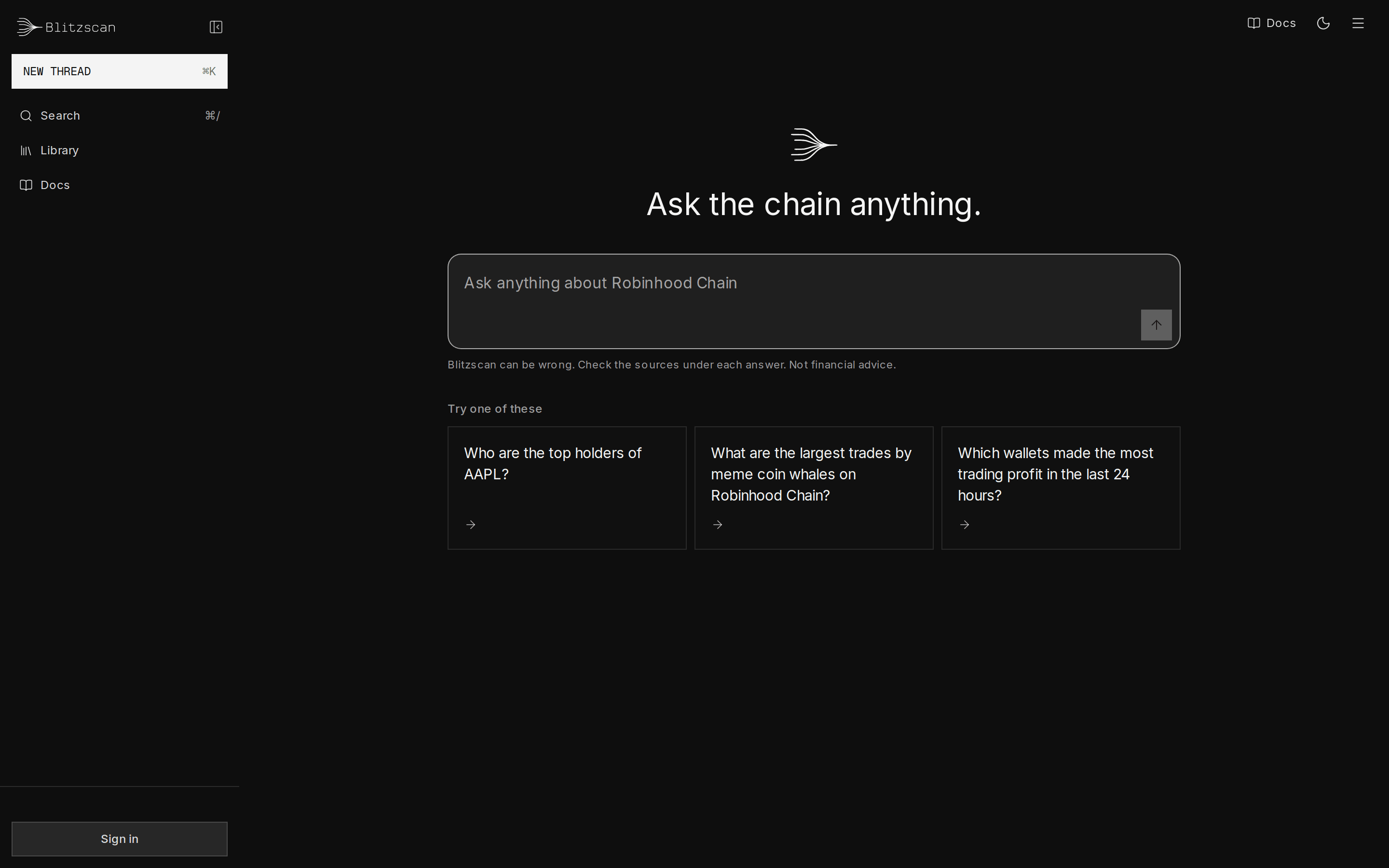
The Blitzscan home screen with the question box and example questions
What people use it for
Check a token before you trade
Owner powers, liquidity, holders, and whether anyone can sell.
Understand a transaction
Who sent what to whom, through which contracts, and who gained.
Follow a wallet
Profiles, trading profit, first funds and where the money went.
Find yield and pools
Pools ranked by what they paid, with the risks Blitzscan can see.
Stock tokens on chain
Holders, buyers and pools for NVDA, AAPL, TSLA and more.
Get started
Your first question in a minute.
How an answer is built

How an answer is built: Blitzscan reads your question, gives a fast answer or researches step by step over its copy of the whole chain, and returns text with citations, charts and sources
- Ask in your own words. Type a question, or start from one of the examples on the home screen.
- Name tokens exactly. Type
$and pick a token from the list, so your question is about that contract and not a copy with the same symbol. - It goes as deep as the question needs. Common questions get a direct answer. Harder ones get several steps of research, and Research deeper runs it on any fast answer.
- See it drawn. Rankings become bars, activity over time becomes a chart or a heatmap, money moving between wallets becomes a flow graph, and a transaction is taken apart party by party. The rows are always one tap away.
- Dig in by clicking. Click a bar, a point or a wallet in a visual to ask about it next.
- Check the evidence. Every number in an answer cites where it comes from, and every address links to the public explorer.
- Keep and share your work. Sign in to keep your threads across devices and share a read-only link to any of them.
Learn the app
Ask questions
Fast answers and deeper research,
$ tokens, follow-ups.Read answers
Charts, tables, sources and chips.
Sign in and wallets
Google, a browser wallet or a phone wallet.
Data coverage
What the data covers and what it cannot tell you.
FAQ
Short answers to common questions.