

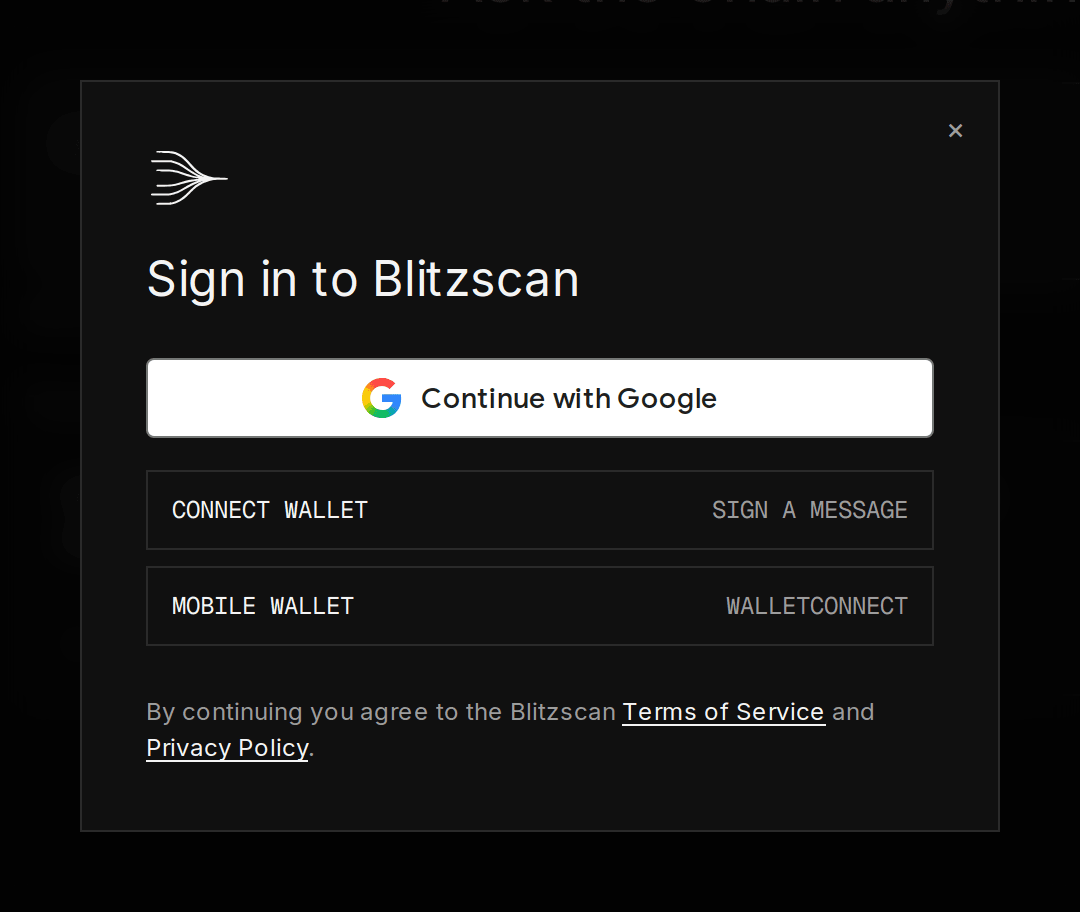
The sign-in dialog: Continue with Google, Connect wallet and Mobile wallet
Continue with Google
Press Continue with Google in the sign-in dialog. You leave for Google’s consent screen and come straight back signed in. Blitzscan receives your name and email from Google and nothing else.Connect a wallet
Press Connect wallet. If one wallet extension is installed (MetaMask, Rabby, Rainbow, Coinbase Wallet or any other that follows the standard browser wallet interface), it opens directly. If you have several, Blitzscan lists them by name and icon under Choose a wallet, with the one you used last marked Last used, so you pick which wallet signs you in rather than whichever extension answers first. Your wallet asks you to choose an account, then asks you to sign a message. The message is a standard Sign-In with Ethereum text that names this site, your address and the moment you signed; signing it proves you hold the address. It is not a transaction: nothing is sent, nothing is approved, no gas is spent, and Blitzscan never receives your keys. A wallet account is shown by its short address (for example0x7a4f…2b91). You can link a Google account to it later from Settings, Connected accounts.
No browser wallet installed? Connect wallet then opens WalletConnect instead, as below.
Use a phone wallet
Press Mobile wallet. WalletConnect opens: on a computer it shows a QR code to scan with your wallet app; on a phone it lists wallet apps to open directly. Your wallet asks you to connect, then to sign the same Sign-In with Ethereum message as above; nothing is sent and no gas is spent. Closing the QR code or declining in the wallet simply cancels, and you can try again. Opening Blitzscan inside your wallet app’s own browser also works.The preview is invite only
While Blitzscan is in preview, questions after the free three need an invited account: a wallet address or Google email the Blitzscan team has added to the tester list. If yours is not on it yet, the app says so when you ask (“This preview is invite only…”), rather than a generic error; send the team the address or email you signed in with and try again once it is added. Linking that wallet to an account you first created with Google also works.What signing in changes
- The questions you asked before signing in move into your account, once.
- Threads, feedback, shared links and your theme (the sun and moon button in the top bar) are saved to the account.
- The three-question trial ends; usage shows in Settings, Usage.
- Deeper research becomes available; without an account every question gets a quick lookup.