

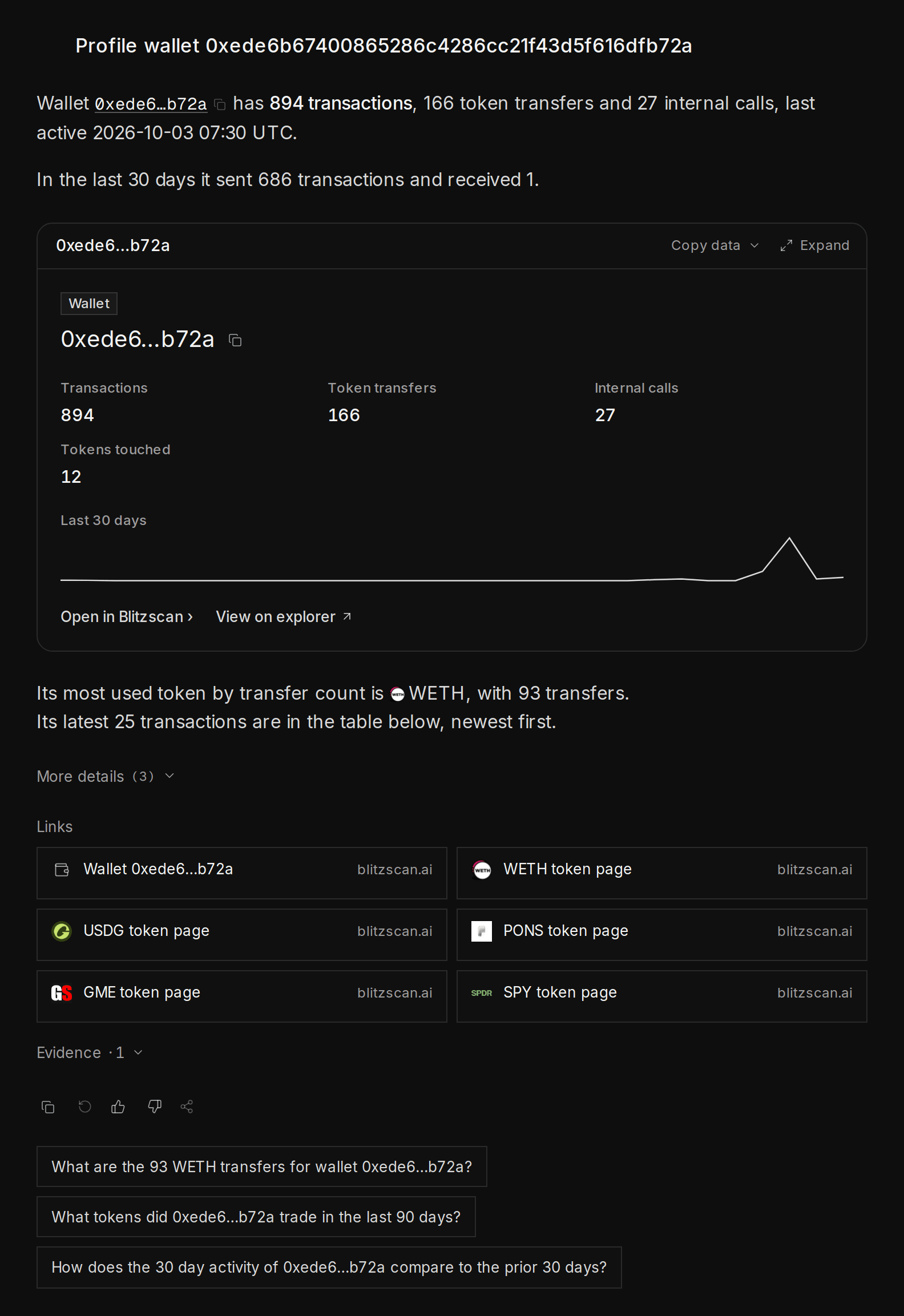
A wallet profile: transactions, token transfers, tokens touched and its activity over the last 30 days
What you can find out
Profile
Activity over time, tokens held, the first funds and the counterparties it deals with most.
Profit and loss
Trading profit from DEX swaps, by token and by period, with each trade behind it.
Money flows
Where the funds went, hop by hop, drawn as a flow graph.
Groups of wallets
Wallets that act together, linked only by strong evidence such as the same funder or operator.
Top traders
Rankings of the most profitable wallets. Exchanges, bridges and protocols are left out.
Your own wallet
Signed in, ask “What’s in my wallet?” or “What is my PnL this month?”.
How to do it
1
Start from an address or a ranking
Paste a full address and ask “Profile wallet 0x…”. Or start from a ranking, such as the most profitable wallets this week, and click a wallet.
2
Follow the money
Ask “Where did this wallet get its first funds?” or “Where did its funds go in the last 7 days?”. Click a node in the flow graph to follow it further.
3
Check for a group
Ask “Who moves together with this wallet?”. Blitzscan links wallets only when the evidence is strong, and it says what the link is.
Try these
Top profit
“Which wallets made the most trading profit in the last 24 hours?”
Where the funds went
“Where did the funds of 0x4337…7a5d go in the last 7 days?”
Who runs a bot
“Who controls the trading bot contract 0x278d…f8d2? Find its operator wallets and how they were funded.”
Shared holders
“Which wallets hold both $NVDA and $TSLA?”
A wallet is an address, not a person. One person can use many addresses, and one address (a pool, a vault, an exchange) can hold tokens for many people. Labels describe what an address does, never who is behind it.