

1
Ask a question
Type a question in the box that says “Ask anything about Robinhood Chain” and press Enter. Good first questions name a token, a wallet or a time window:
- “Who are the top holders of $USDG?”
- “Which wallets sent the most WETH in the last 7 days?”
- “How many transactions per hour were there in the last 24 hours?”
- “Profile wallet 0x…” (paste a full address)
2
Watch it work
The answer streams in. While Blitzscan works, a few short lines say what it is doing in plain words: reading your question, working out the dates you mean, looking through the chain data. When the answer is in, they fold into one line. Open it to see each step.
3
Read the answer
An answer is a short text with numbered citations, followed by charts, tables, visuals or cards. Each citation points to the record it came from, listed under Evidence. See Read answers for every part.
4
Keep going
Ask a follow-up in the same thread (“and who sold the most of it?”), pick one of the Related questions under the answer, or click a bar or a wallet in a visual to put a question about it in the box. Start a fresh topic with New thread (Ctrl or Cmd + K). Your threads are listed in the sidebar and in Library; Search (Ctrl or Cmd + /) finds them again.
5
Sign in to keep your threads
After three questions, sign in with Google or a wallet (a browser extension, or a phone wallet over WalletConnect) to continue. Free questions are also limited to 20 a day for everyone on the same network, such as a shared office or home connection, so they can run out sooner. The threads you started before signing in move into your account. While Blitzscan is in preview, asking after the free questions needs an invited account; see Sign in and wallets.
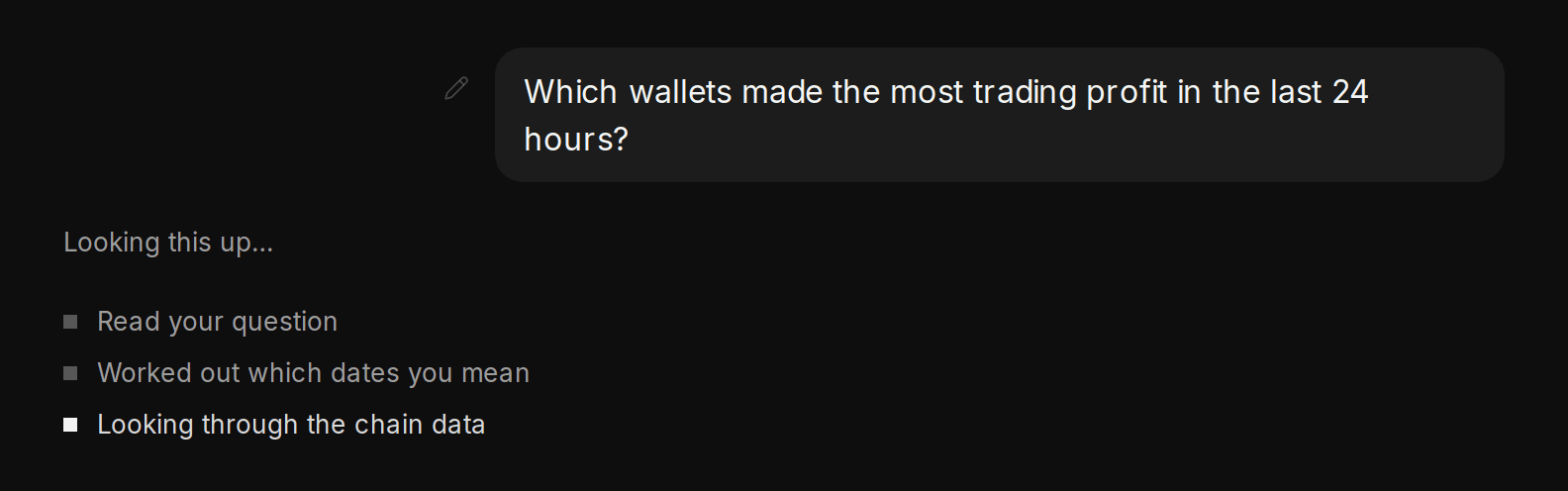
The steps trail while Blitzscan works: it reads your question, works out the dates and looks through the chain data
Where to go next
Check a token
Review a token before you trade it.
Follow a wallet
Profile a wallet and follow its money.